Add-ins & AI for Autodesk software
Your co-pilot for AEC software.
Automate the repetitive work. Ask AI inside the app you already use.
EIGHT APPLICATIONS, ONE LICENCE
Plus the Toolbox of everyday add-ins
480+ AI actions · 2023–27 versions · Runs on your machine
01 The toolbox
One toolkit. Every part of the workflow.
Parameters, modeling, documentation, export — a few favourites.

Quality
Model Doctor
Scan, score, and heal your Revit model.
Quality
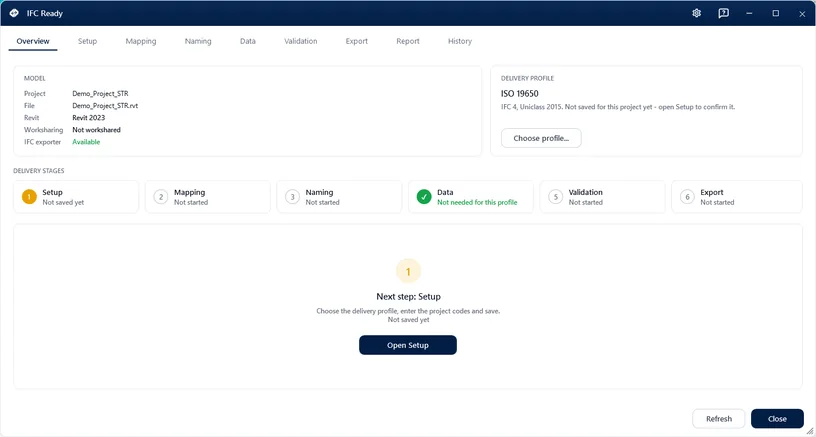
IFC Ready
Walk a model through everything an IFC handover asks for.
Data & Parameters
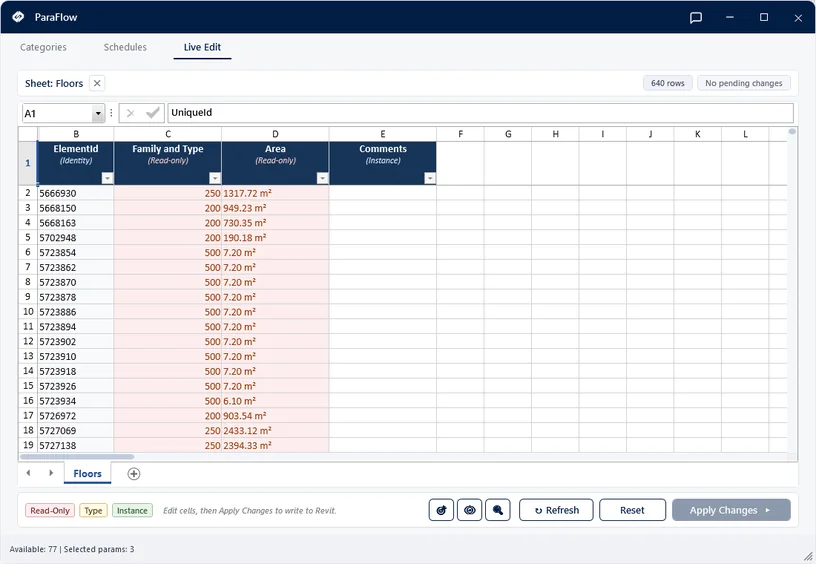
ParaFlow
Two-way parameter sync between Revit and Excel.

Visualize & Export
Deliver
Batch export to PDF, DWG, IFC & NWC.
Visualize & Export
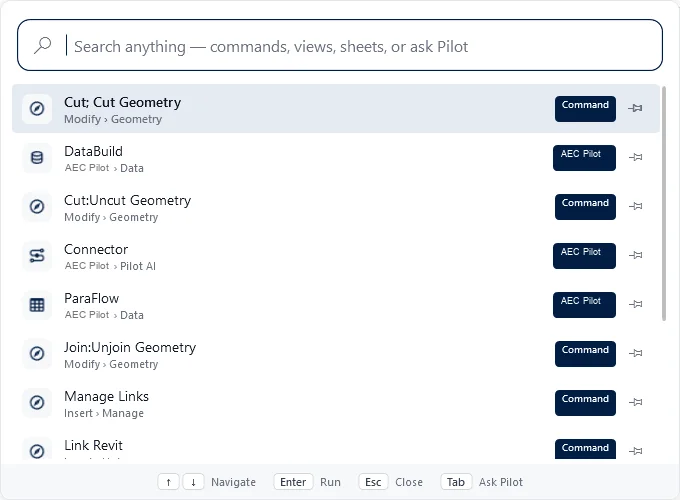
Compass
Find and run any Revit command in seconds.
Structural
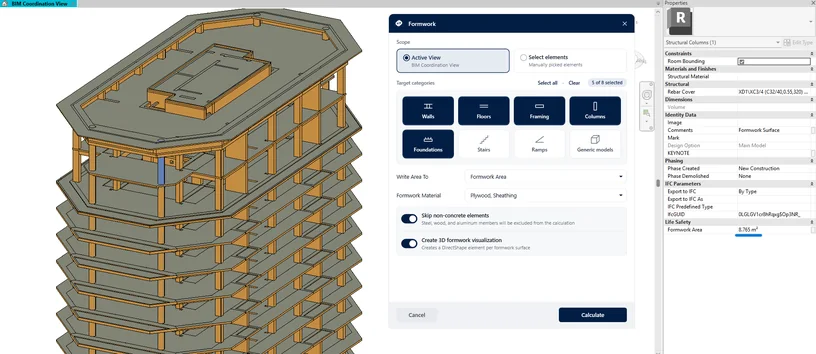
Formwork
Rule-based formwork areas for structural elements.

Reinforcement
Rebar Numbering
Automatic position marks for identical rebars.
02 Pilot AI
Your design tools, driven by AI.
Chat inside the app, or connect your own AI. Same tools either way.
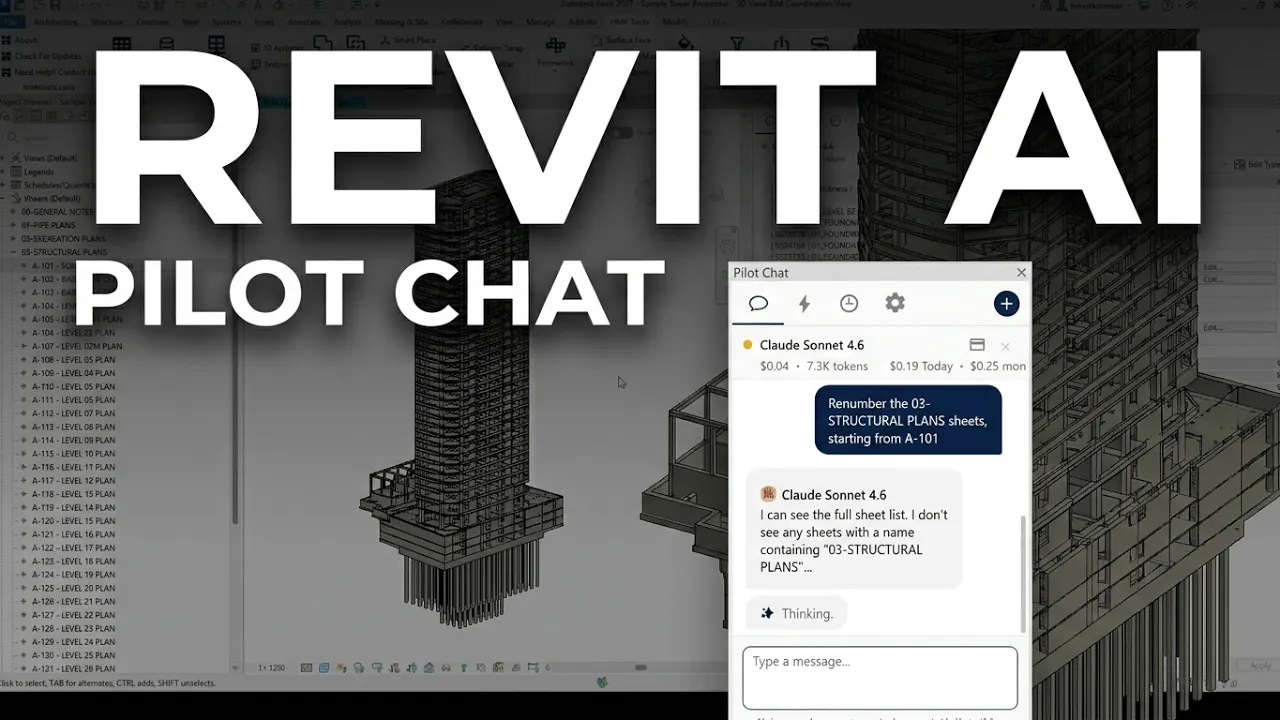
Pilot Chat, inside the app
Ask about your model and get it done — without leaving the app.
- Docked in every application
- Audit, analyze, automate
- Bring your own API key
MCP Bridge to your LLM
Connect Claude, ChatGPT, Cursor or Antigravity to your Autodesk apps.
- 480+ actions, eight applications
- Runs locally — files never leave your PC
- One-click setup
you ▸ Tag all the doors in the current view and put it on a new sheet.
pilot ▸ Running tag_all_in_view (category: Doors)… tagged 38 doors.
pilot ▸ Running create_sheet + place_view_on_sheet… created sheet A-103.
pilot ▸ Done in 2.4s.▋
you ▸ Cut a surface profile along Alignment A and add a profile view.
pilot ▸ Running create_surface_profile (surface: EG)… profile created, 1.84 km.
pilot ▸ Running create_profile_view… placed at 0+000.
pilot ▸ Done in 3.1s.
you ▸ Run every clash test and group the new clashes by level.
pilot ▸ Running run_all_clash_tests… 4 tests, 212 new clashes.
pilot ▸ Running group_clash_results (by: Level)… 9 groups.
pilot ▸ Done in 5.8s.
you ▸ Change every IPE 240 beam to IPE 270, then give me the steel weight.
pilot ▸ Running change_beam_profile (IPE 240 → IPE 270)… 46 beams updated.
pilot ▸ Running get_steel_bom… 18.4 t in total.
pilot ▸ Done in 2.2s.
you ▸ Run the analysis and check that the reactions add up.
pilot ▸ Running run_analysis… completed, no errors.
pilot ▸ Running get_reactions… ΣFz 412.6 kN, matches the applied load.
pilot ▸ Done in 4.0s.
you ▸ Make the bracket 12 mm thick and give me the blank size.
pilot ▸ Running set_parameter (Thickness = 12 mm)… rebuilt, all features healthy.
pilot ▸ Running get_flat_pattern_extents… 212 × 148 mm.
pilot ▸ Done in 1.9s.
you ▸ Add an eye-level camera on the entrance and render it.
pilot ▸ Running create_camera (height: 1.6 m)… Camera_Entrance.
pilot ▸ Running render_image… saved entrance.png.
pilot ▸ Done in 38s.
get_selected_elements() bulk_set_parameter() create_sheets_for_levels() run_clash_check() auto_dimension_grids() tag_all_in_view() resolve_warning() create_schedule() create_polyline() insert_block() plot_to_pdf() list_alignments() sample_surface_elevation() list_pipe_networks() run_clash_test() group_clash_results() create_timeliner_task() publish_nwd() change_beam_profile() get_steel_bom() run_analysis() get_reactions() set_parameter() get_flat_pattern_extents() create_camera() render_image()
03 In action
See it in action
Short demos of AEC Pilot at work.
MCP Connector
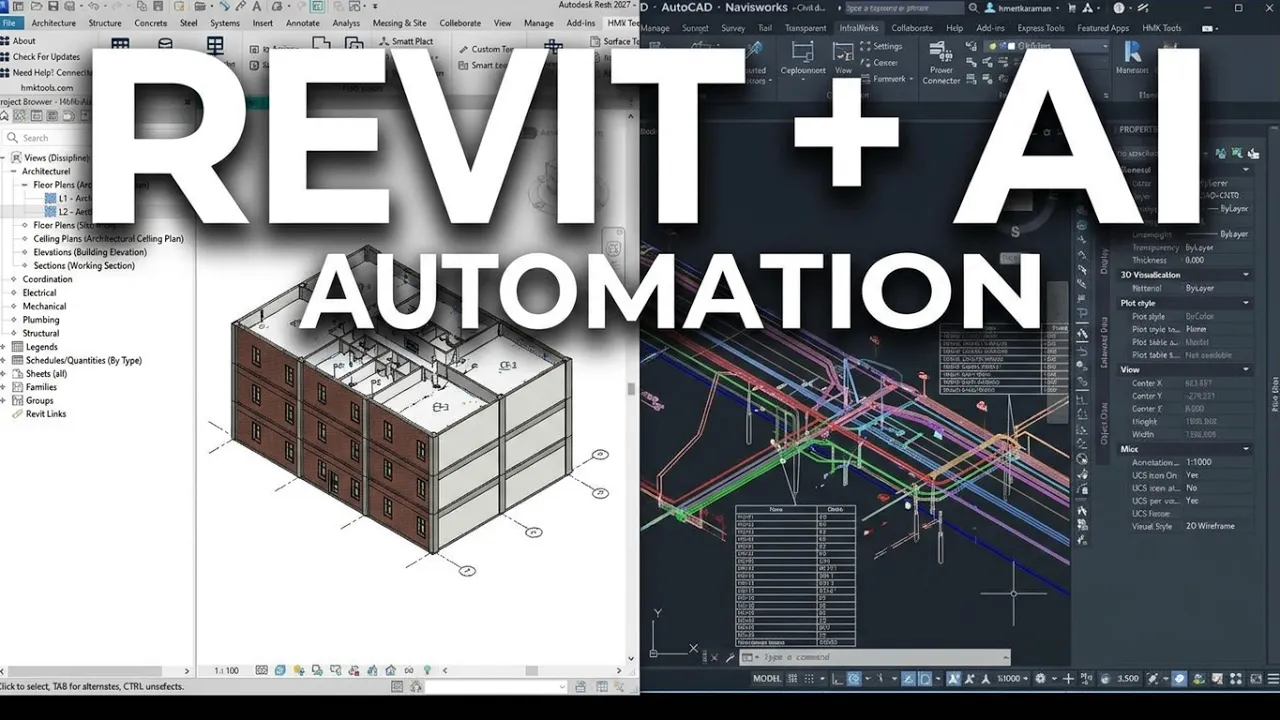
Revit · Navisworks · Civil 3D
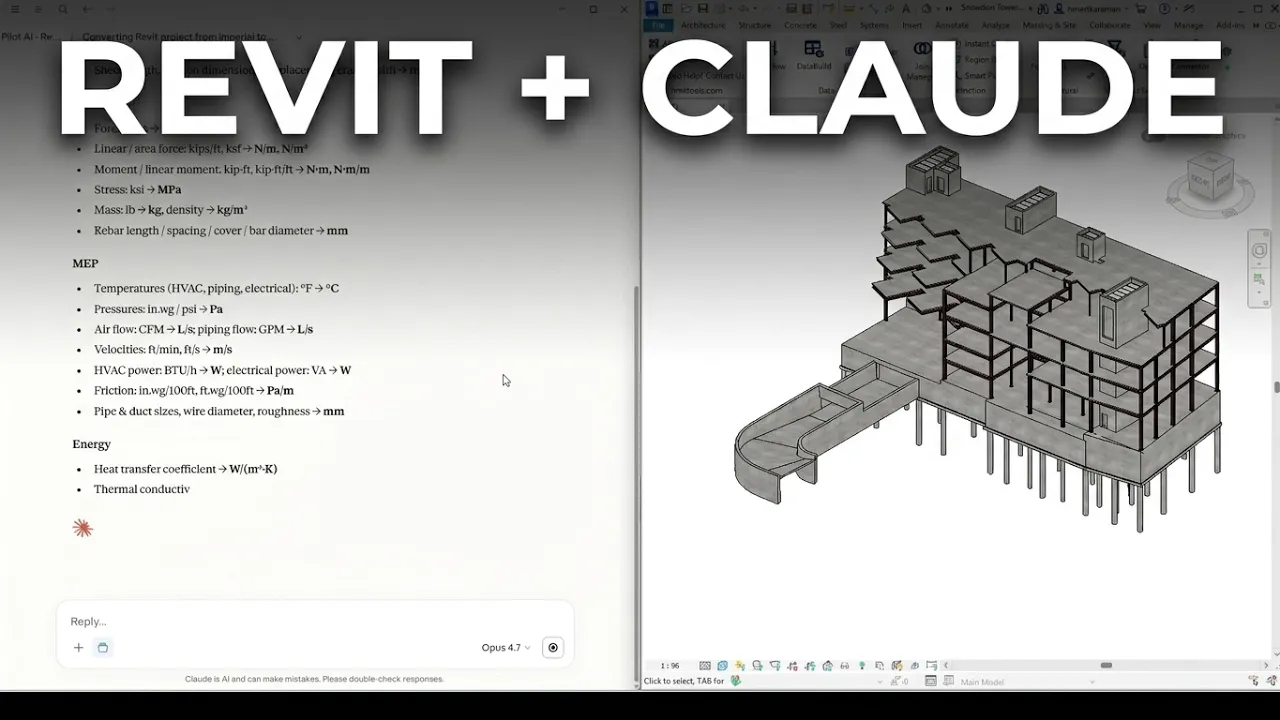
Revit
Pilot Chat
Deliver
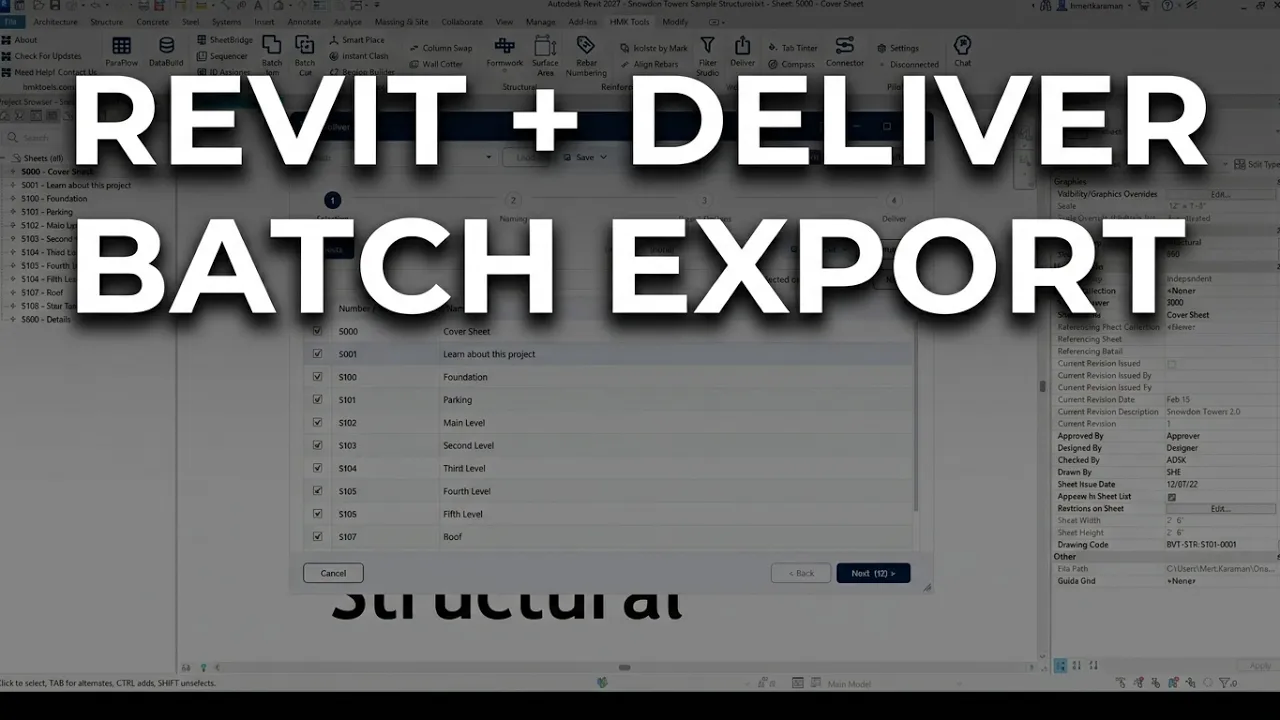
Multi-Model Export
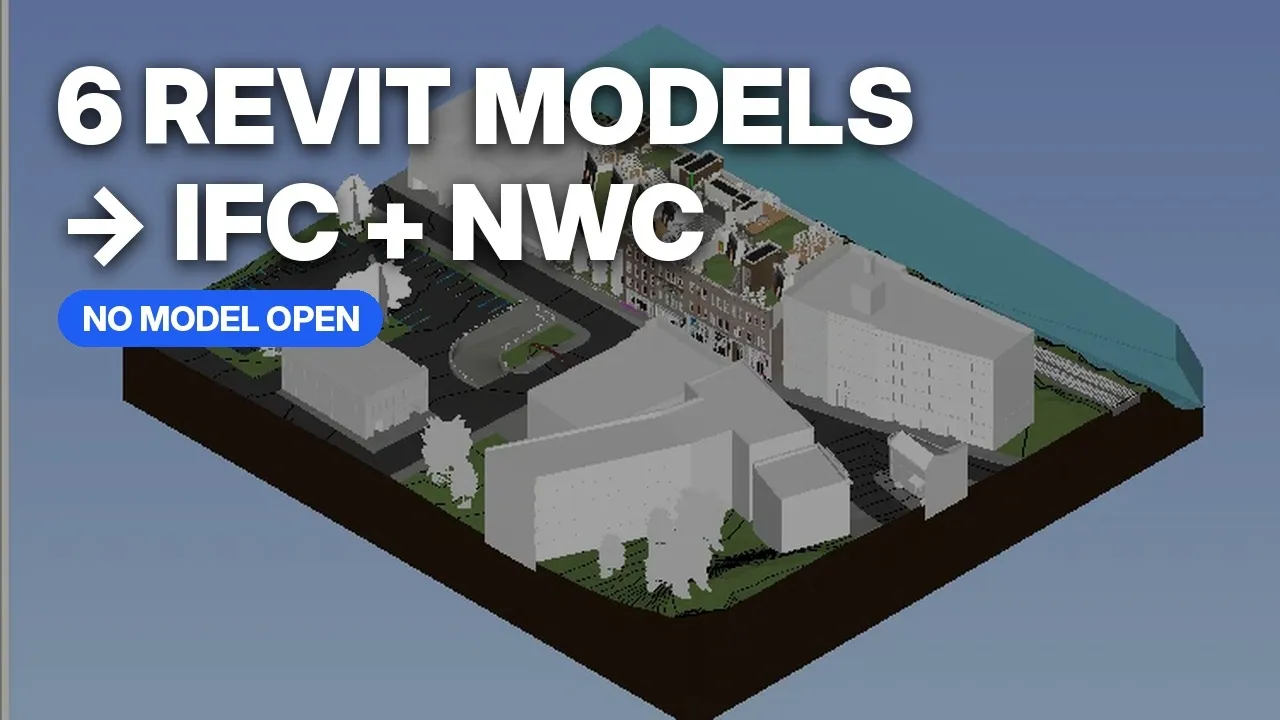
DataBuild
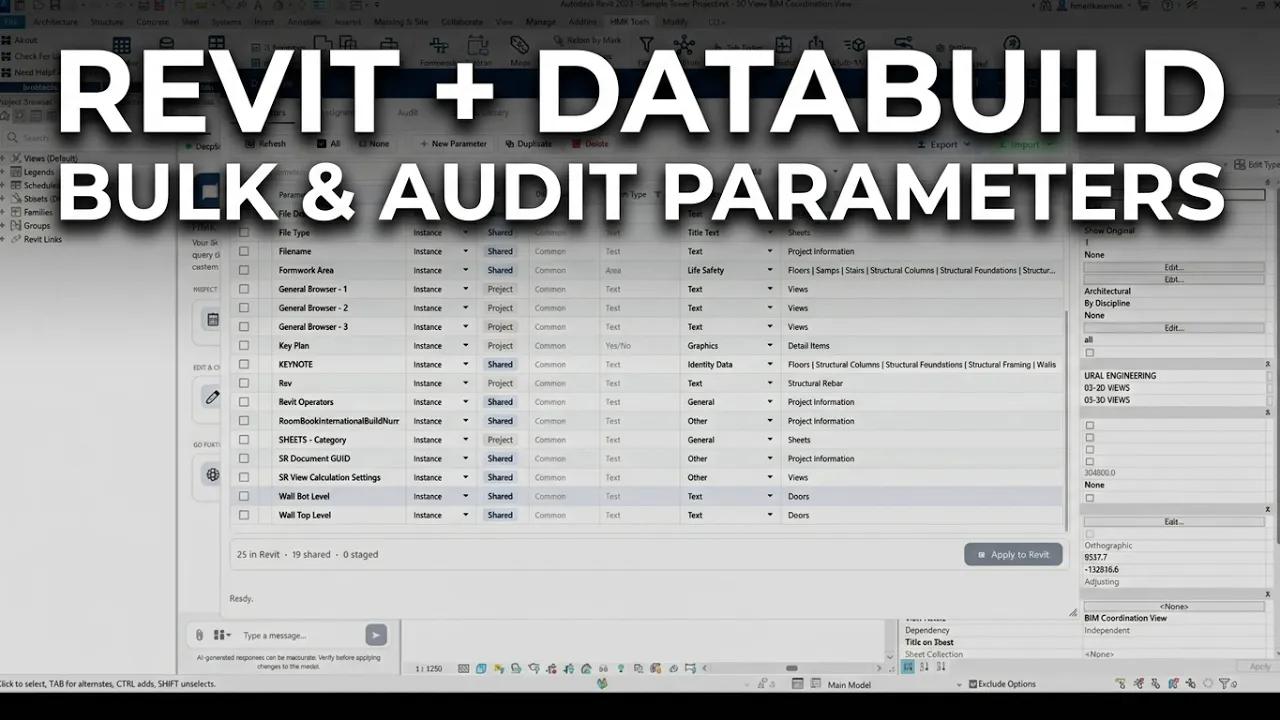
Community

Pilot AI · by Ghasem Ariyani
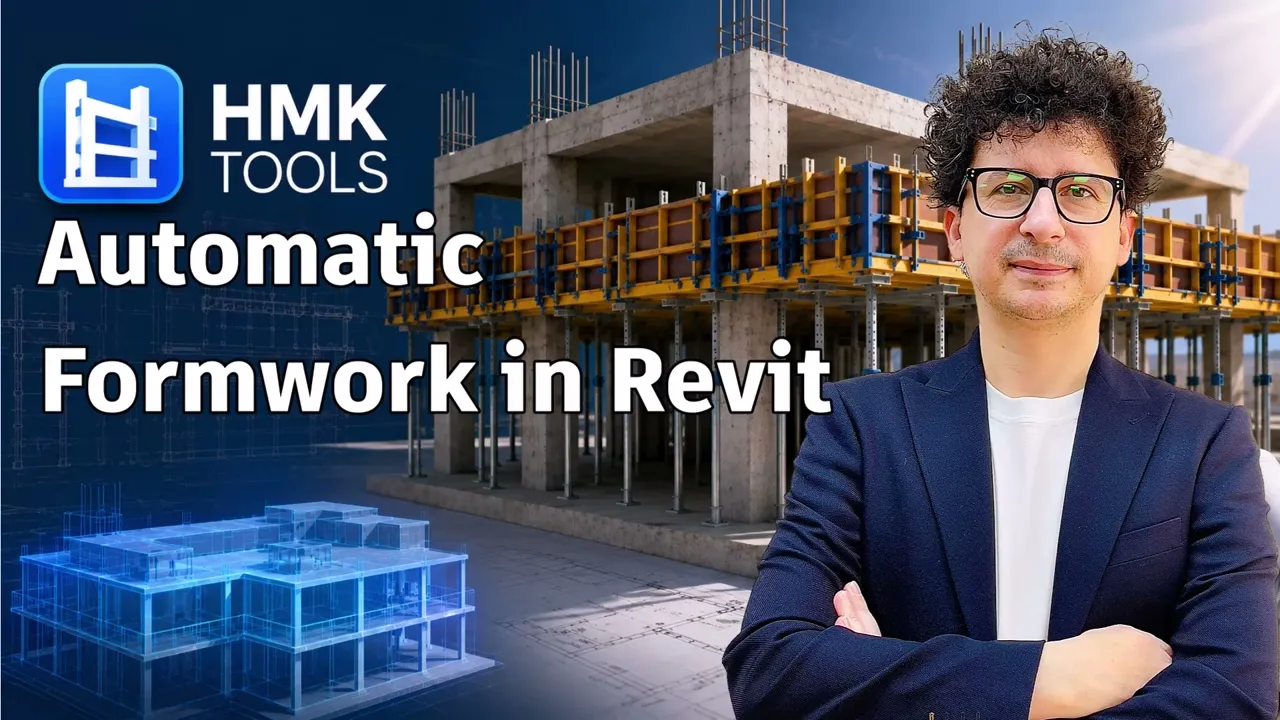
Formwork · by Ghasem Ariyani
SHORTS
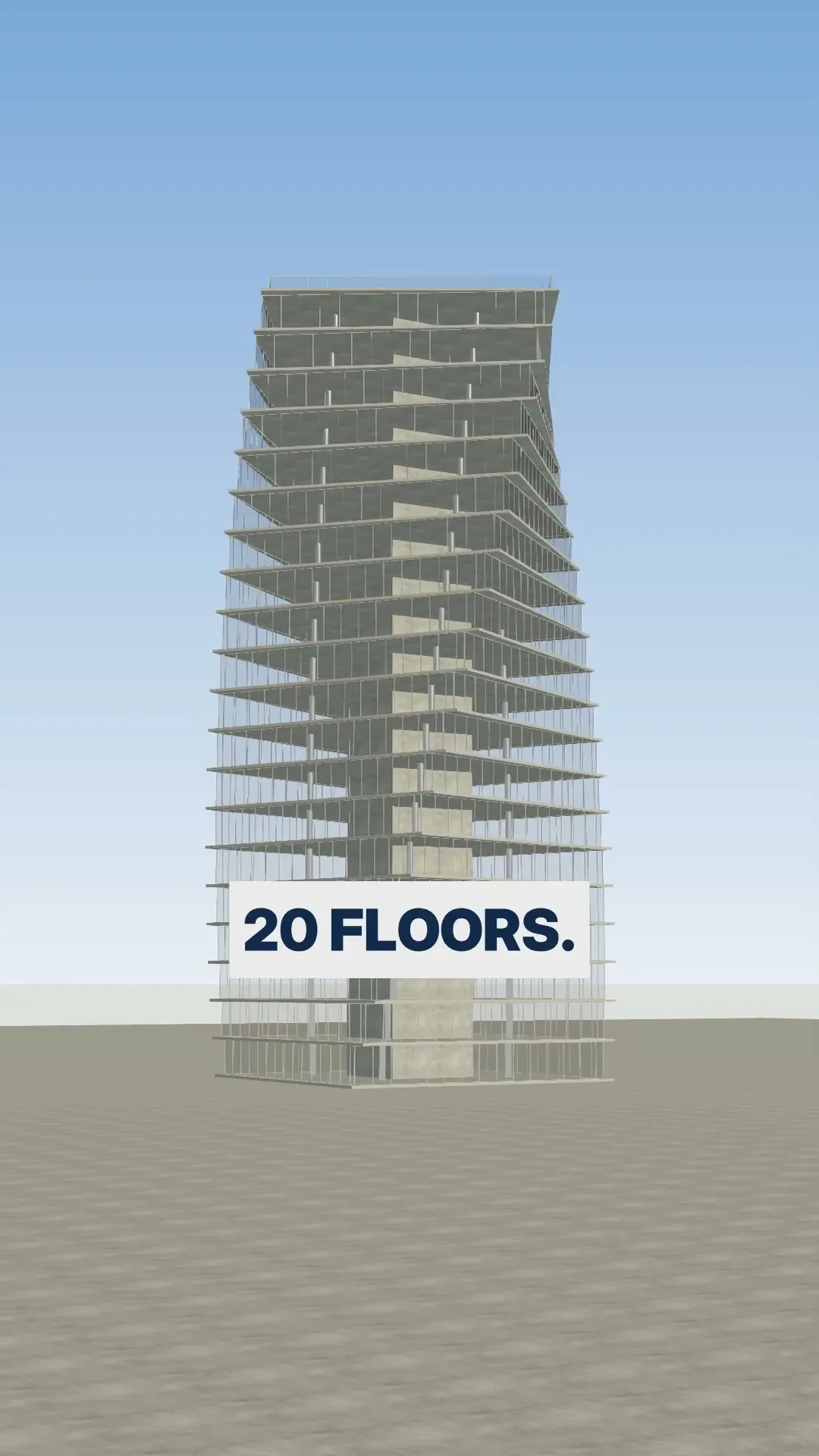
I asked AI for a tower. It built it live in Revit.
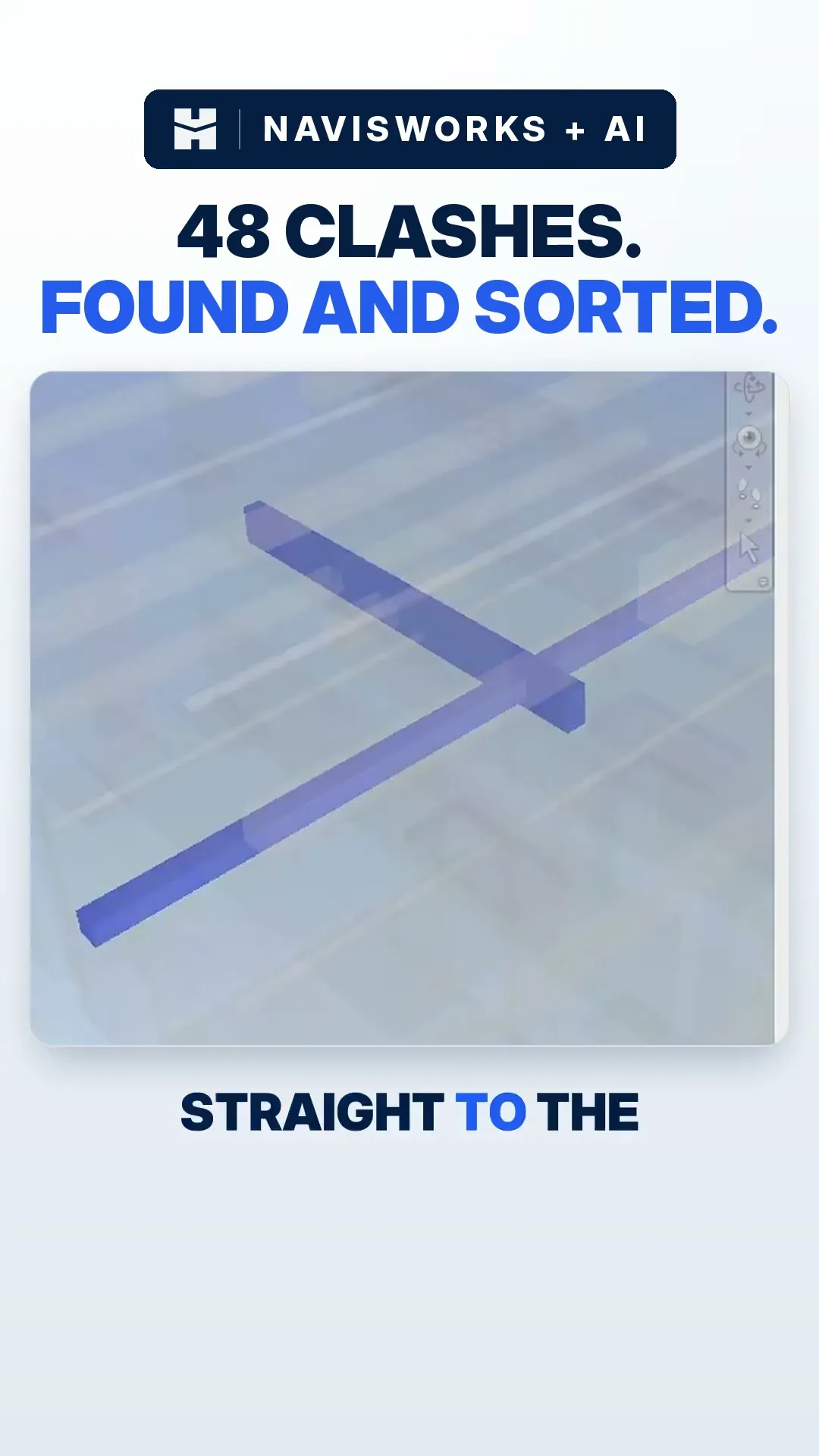
AI found 48 clashes before the site did.
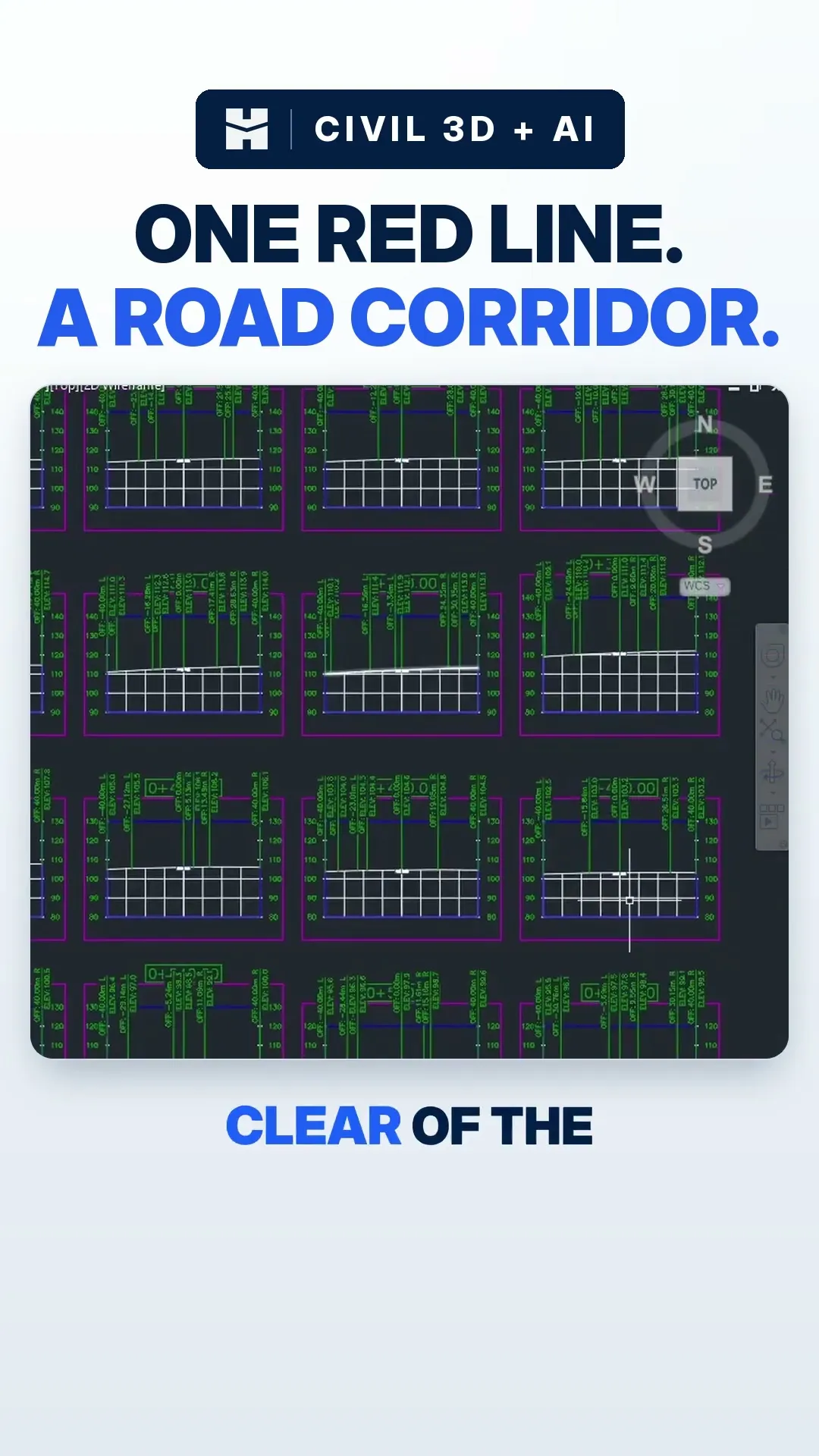
I drew one line in Civil 3D. AI built the road.
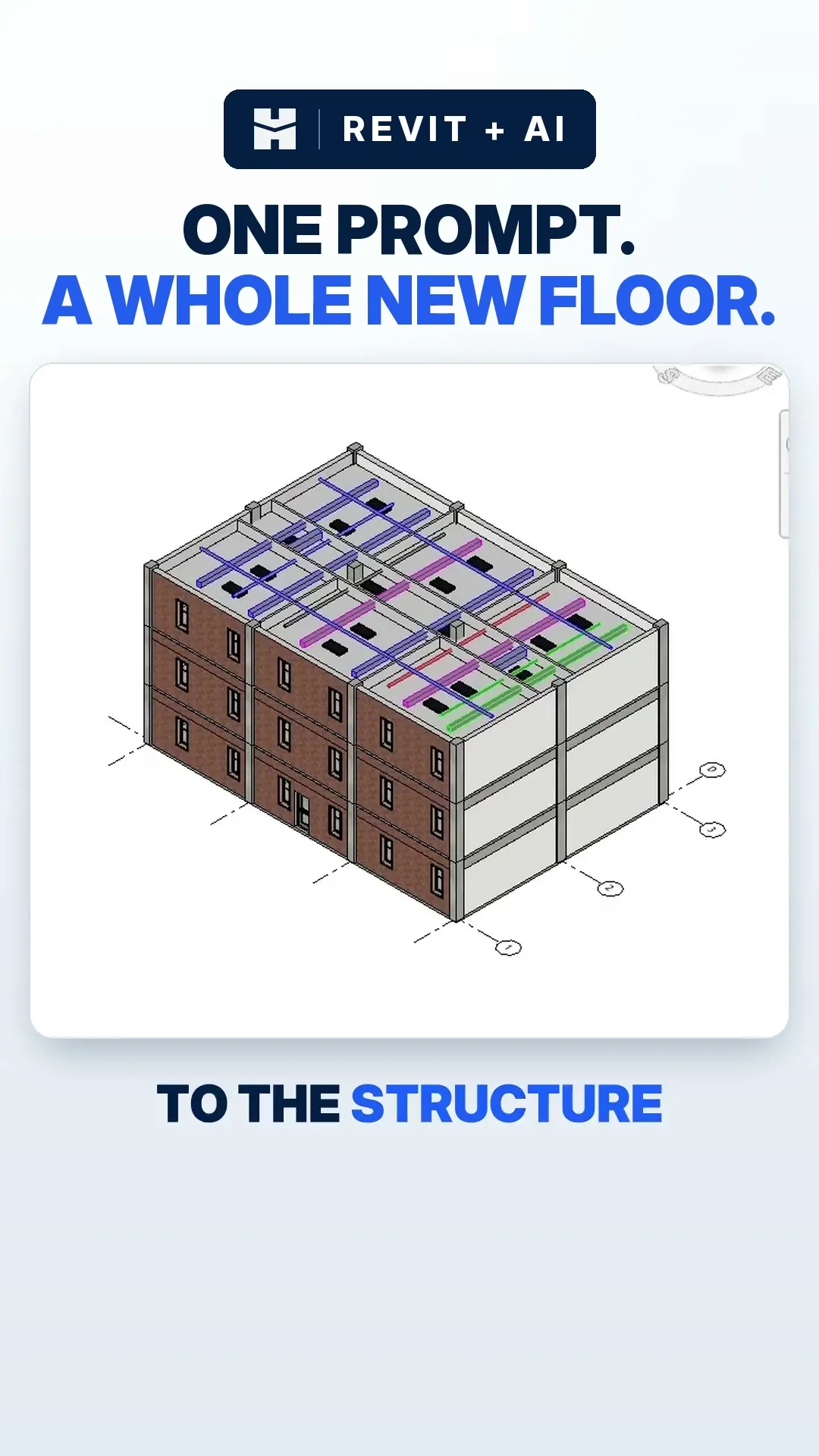
I asked AI for a new floor in Revit. It built it.
04 Reviews
Five stars on the Autodesk App Store
16 reviews. Every one five stars.
5.0 16 reviews
It makes many tasks much faster and more efficient, especially when working with large and complex projects. The tools are practical, easy to use, and save a significant amount of time in day-to-day workflows.
Arzu B. Navisworks
2026-09-02
It's clearly built by people who understand real-world BIM/coordination workflows, not just generic tooling. Highly recommended for anyone working with Navisworks who wants to speed up repetitive tasks.
Ramazan Y. Navisworks
2026-09-02
Great tool for Civil 3D users. AEC Pilot makes repetitive tasks much faster and brings a smart, AI-powered workflow directly into Civil 3D. Easy to use, practical, and definitely a useful addition for everyday work.
Beyza K. AutoCAD & Civil 3D
2026-08-20
The custom filters and advanced clash checking capabilities save us hours of manual work and make coordination ridiculously smooth. It drastically improves workflow efficiency and accuracy across complex models.
Batıhan C. Navisworks
2026-08-19
The AI integration is particularly impressive — it goes beyond simple automation and allows you to interact with the model, brainstorm with AI, and manage or explore the model in a much more intuitive way.
Emre A. Revit
2026-08-12
I've been using this plugin for a few days now and it genuinely streamlined my workflow. Super intuitive and does exactly what it promises without any bloat.
İsmail Ç. Revit
2026-08-12
05 Pricing
Start free. Buy when you're ready.
One plan. Every tool. 14 days free.
AEC Pilot™ All-in-One
Free for 14 days
then a simple yearly license
- Every module in the suite
- Pilot AI with 480+ actions
- Eight Autodesk applications
- 1 machine per license
- A year of updates & new tools
- Email support
Start 14-day free trial See pricing
No credit card needed.
06 Questions
Frequently asked questions
Revit 2023–2027 · AutoCAD & Civil 3D 2021–2027 · Advance Steel 2024–2027 · Navisworks 2023–2027 · Inventor 2027 · 3ds Max & Robot 2024–2027. The installer finds your versions and sets them up.
Yes. Everything runs inside your Autodesk apps and nothing from your models is uploaded. Pilot AI sends only what you ask it to.
No. Use your own API key, or the AI client you already have. We add no AI fee.
One licence, one machine. Switching PCs? Release it from your dashboard and activate on the new one.



08 Guides